Can I set different leave allowances for each employee?
1 min read
By TimeOff Support
How to Set Employee Leave Allowances in TimeOff
In TimeOff, there are two ways to set up leave allowances:
- Department Allowance: Assign an allowance to a department. All employees in that department inherit this allowance.
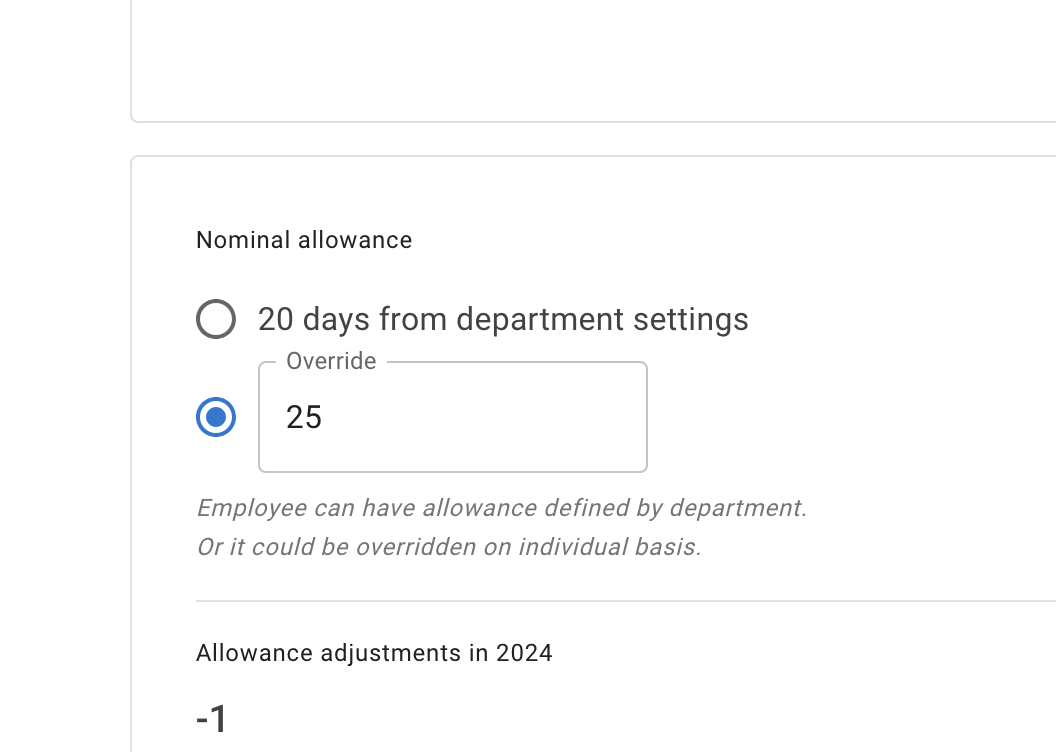
- Individual Allowance: To set a different allowance for a specific employee, go to Employee Details → Allowance tab → Nominal Allowance section. Override the department allowance and enter a custom value for that employee.
More on this can be found in the article “Setting up Allowances”.