✅ Decide a leave request with everything in front of you
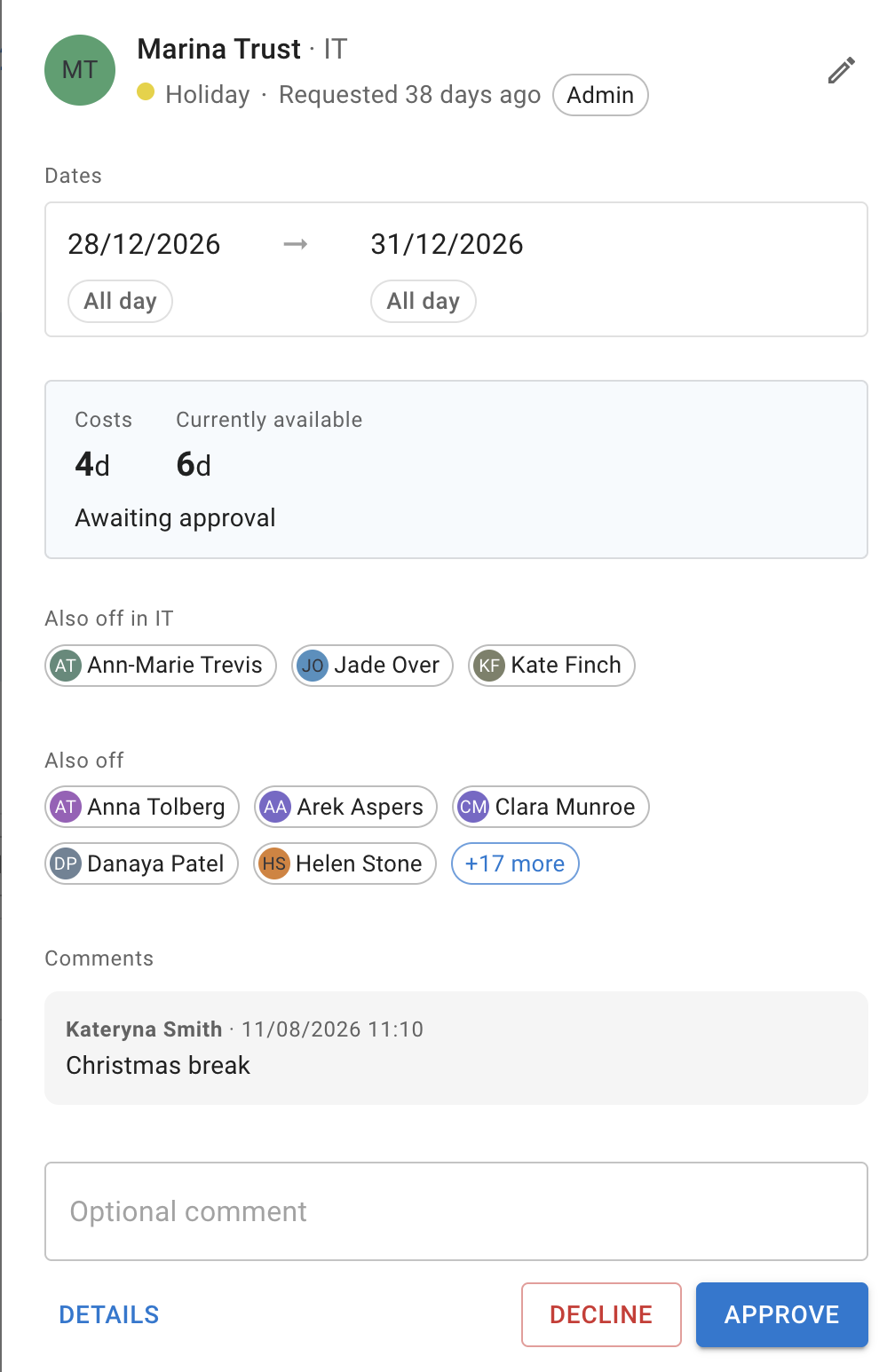
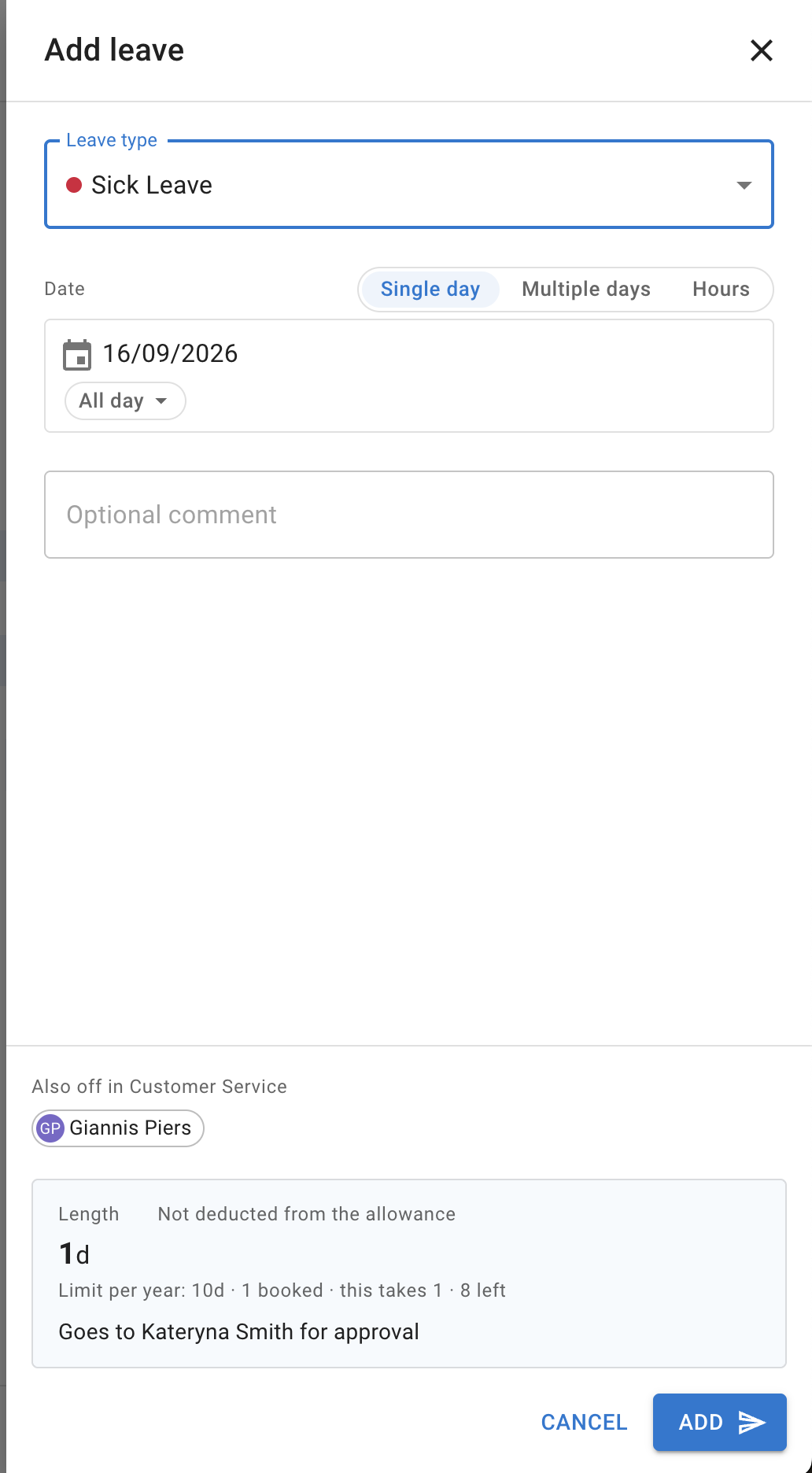
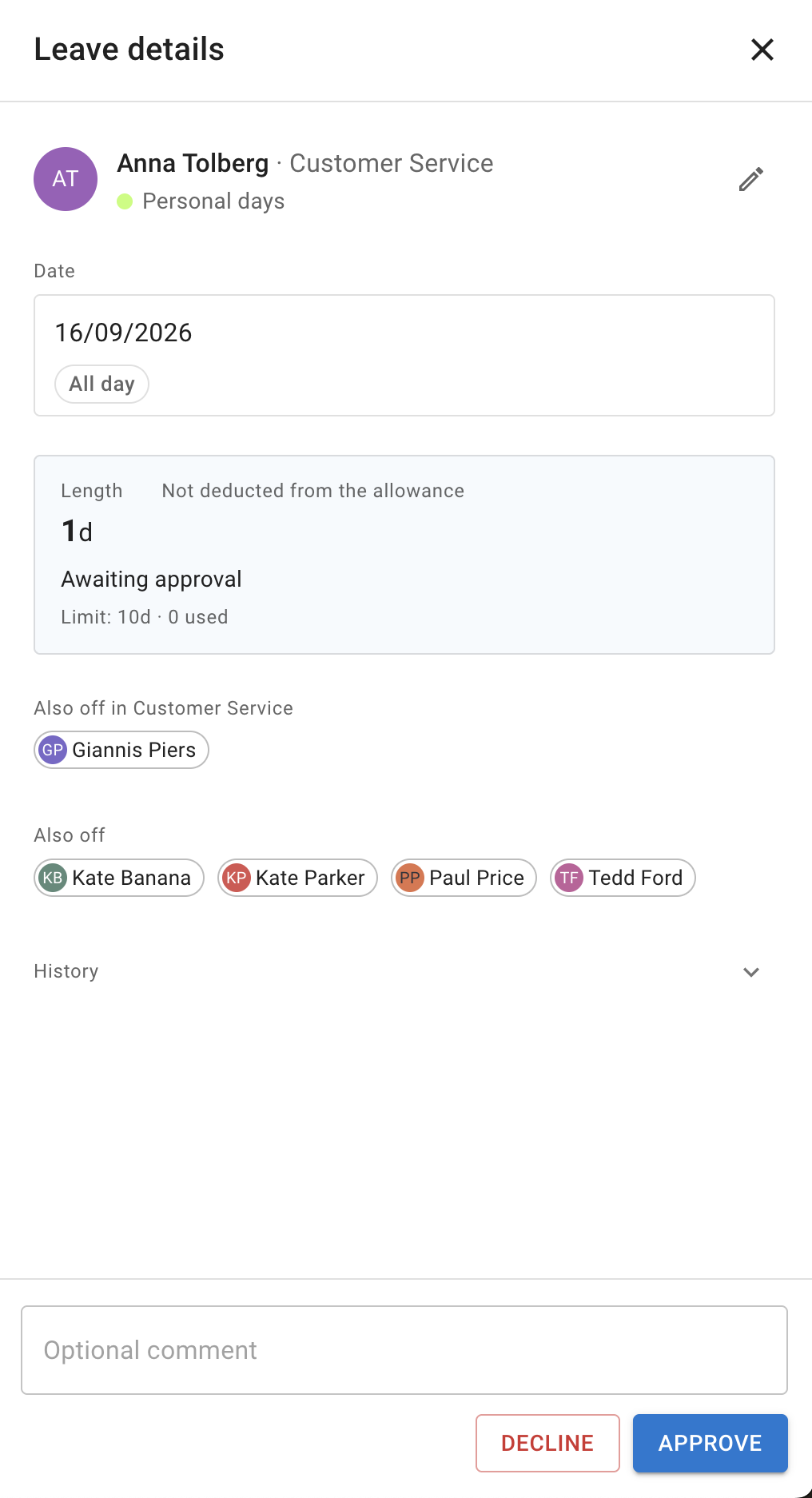
Everything a decision needs is on the request itself, set out the way the Leave details window sets it out. Each request in the list of leave requests names the person and their department and the leave type, says how long it has been waiting, with the exact time when you hover over it, and shows the dates, with the part of the day at each end where the leave is for part of a day. There is a summary of the leave’s figures and where it stands: what the leave costs or how long it is, Currently available, the leave type’s limit where it has one, and Awaiting approval. Also off names who else is away, in the person’s department and beyond, where there is anyone to name, and Comments are there where the request has any.
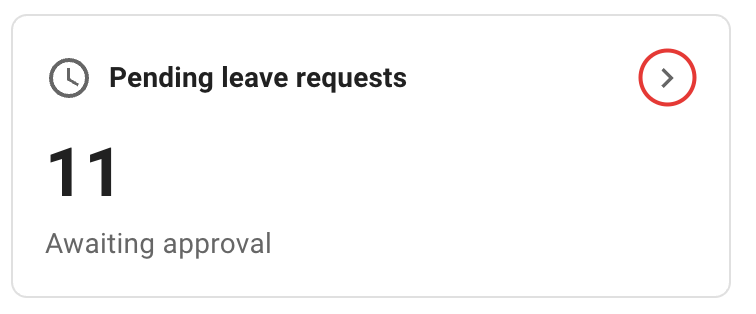
Decide where you are: an Optional comment box, then Decline and Approve, or Decline revoke and Approve revoke on a request to revoke a leave. The request stays where it is and says what happened — Leave approved, for example — without the list moving under you. Details opens the Leave details window on that request, so a request you can decide is a request you can open in full, and where you may edit, the pencil opens Edit leave. Open the list from the bell in the header or from Requests in the profile menu.