
One Platform for Leave, Absence and Team Availability
Give employees a clear way to request time off, give managers the visibility to plan ahead, and give HR the flexibility to manage real company policies without a heavy enterprise HR system.
TimeOff.Management brings leave requests, PTO balances, approvals, schedules, rotas, public holidays, reports and team availability into one simple platform.
Flexible enough for complex policies. Simple enough for everyday use.
30-day free trial · No credit card required · Cancel anytime · UK-hosted · UK support
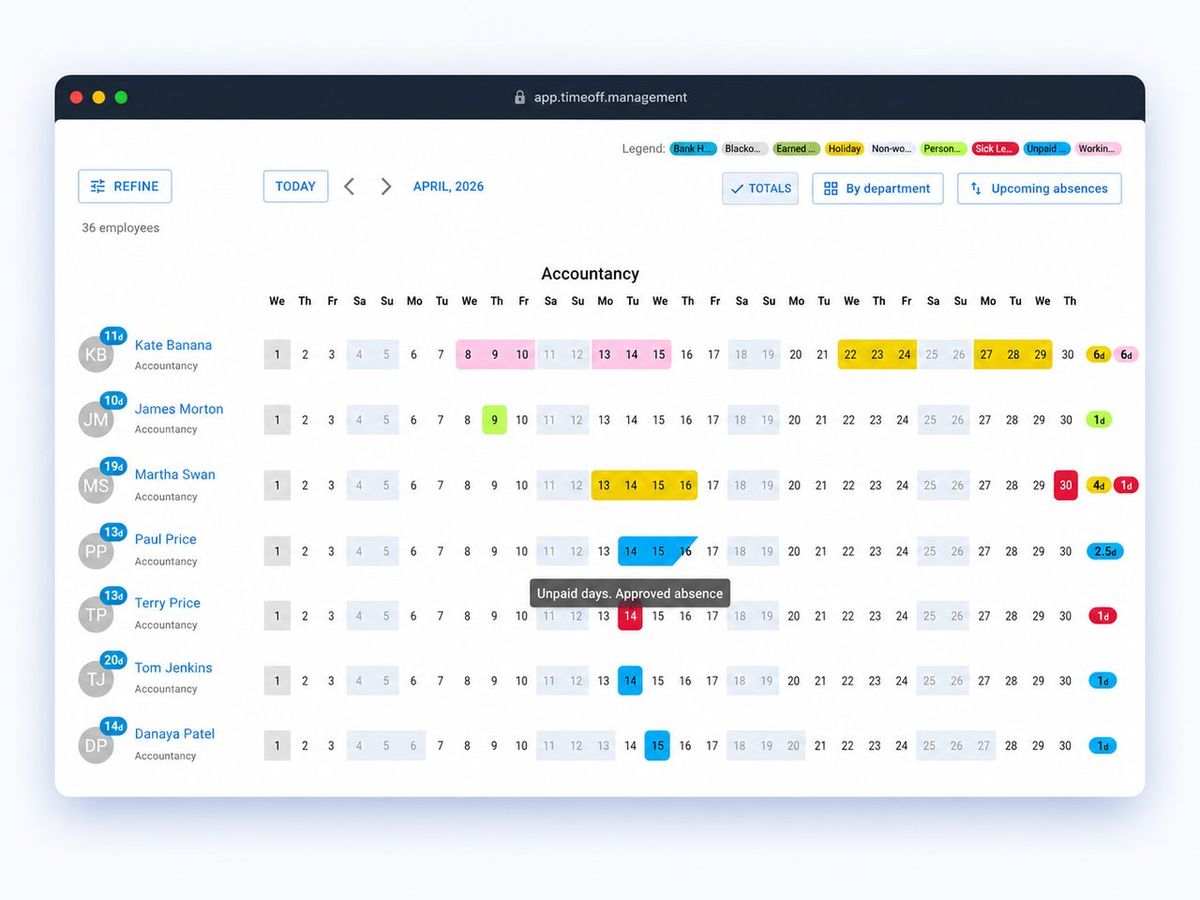
See the Whole Platform at a Glance
TimeOff.Management is more than a holiday tracker. It is a practical leave management platform that helps teams handle everyday time-off requests, complex working patterns, privacy rules, allowance calculations and absence reporting.
Explore each area below to see how the platform fits the way your team works.
Self-Service Requests and Clear Approvals
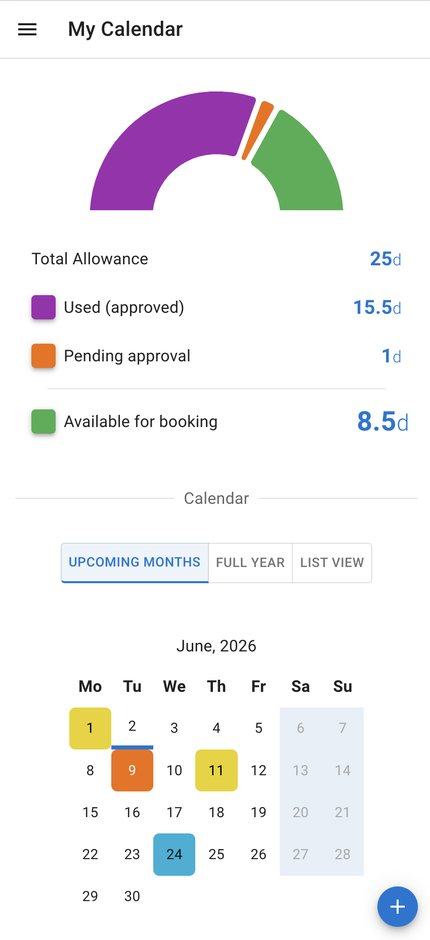
Give employees clarity while keeping managers in control of the approval process. Employees can check their own balances, request time off from desktop or mobile, see request status, and understand who else is away before they book.
Clear balances
Employees see available, booked and remaining time without asking HR.
Simple leave requests
Staff request time off in a few clicks from desktop or mobile.
Mobile-friendly approvals
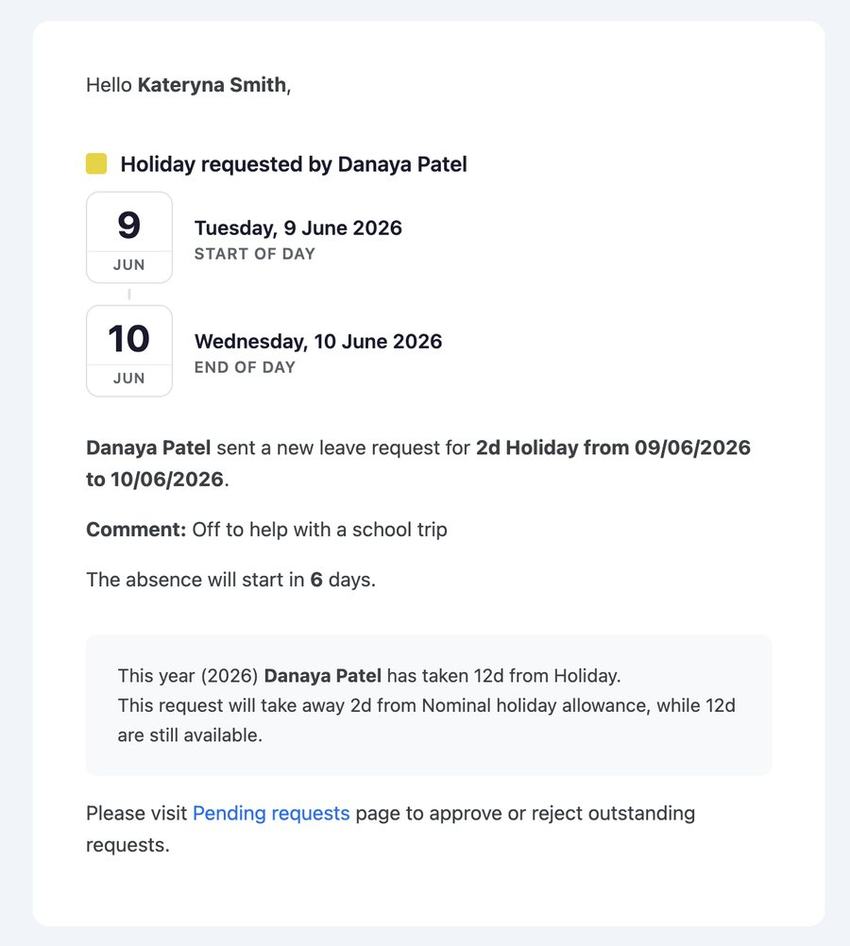
Managers can review and respond to requests from desktop or mobile.
Request status and history
Employees can see whether leave is pending, approved, declined or cancelled.
Flexible Schedules and Rotas
Manage time off accurately for full-time, part-time, flexible and rota-based teams. TimeOff.Management helps you track leave around real working days instead of forcing everyone into the same pattern.
Flexible schedules
Support non-standard hours, part-time work and different working days.
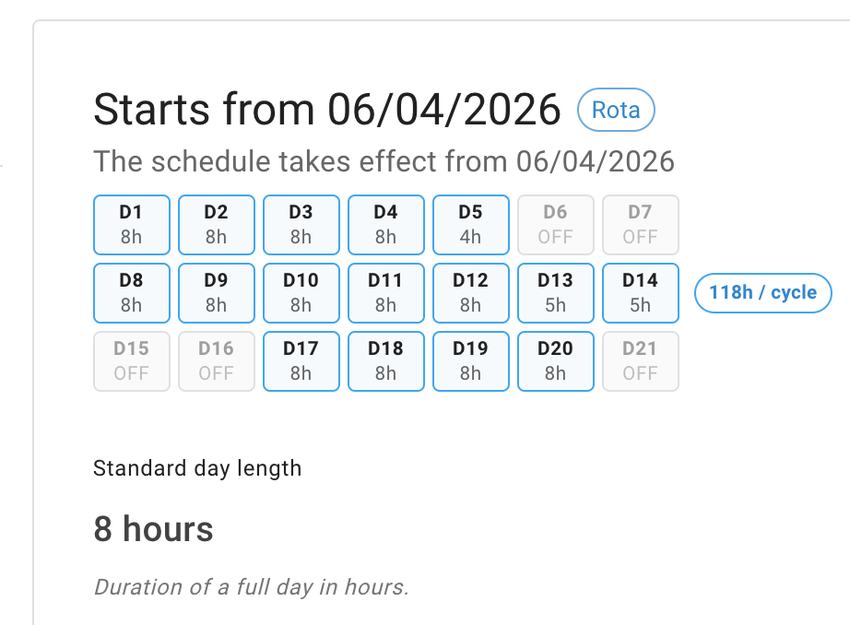
Repeating rota patterns
Create rota patterns that reflect how your team actually works.
Exact start dates
Set a new schedule or rota from the date it becomes active.
Accurate calculations
Track leave around real working days, public holidays and schedule changes.
Locations, Public Holidays and Languages
Manage teams across different offices, countries and working cultures without forcing everyone into the same rules. TimeOff.Management lets you connect locations with the right public holidays, leave access and policy settings.
Public holidays by location
Apply the right bank holiday calendars for each country, office or location.
Leave policies by location
Give different locations their own allowance, approval, schedule or blackout rules where needed.
Leave type access
Control which leave types are available to specific locations, departments or individual employees.
10 supported languages
Give international teams a clearer experience in their preferred language.
London office
Paris team
Remote / international
Leave Types and Policy Rules
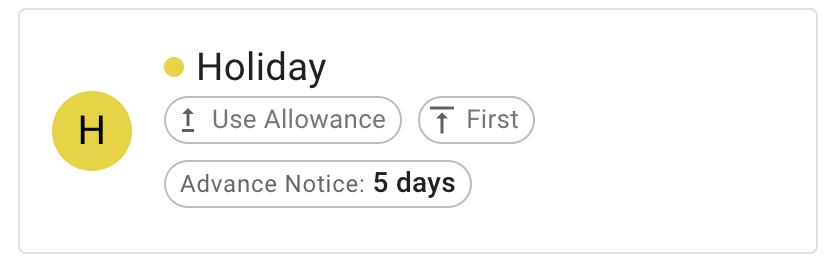
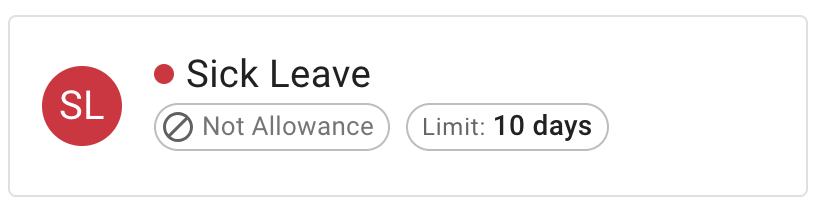
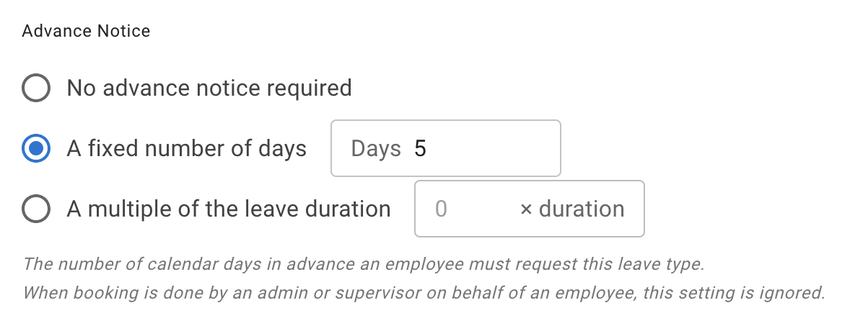
Create the leave types and rules your business actually needs. Configure booking units, notice periods, limits and privacy settings so the system reflects your real policies.
Flexible booking options
Allow full days, half days or hours, depending on the leave type.
Limits, notice and blackout rules
Set limits, advance notice, blackout dates and restrictions for specific leave types.
Limited or unlimited leave types
Manage PTO, sick leave, unpaid leave, overtime, TOIL and unlimited-style leave policies.
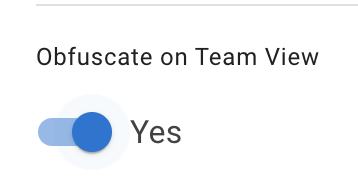
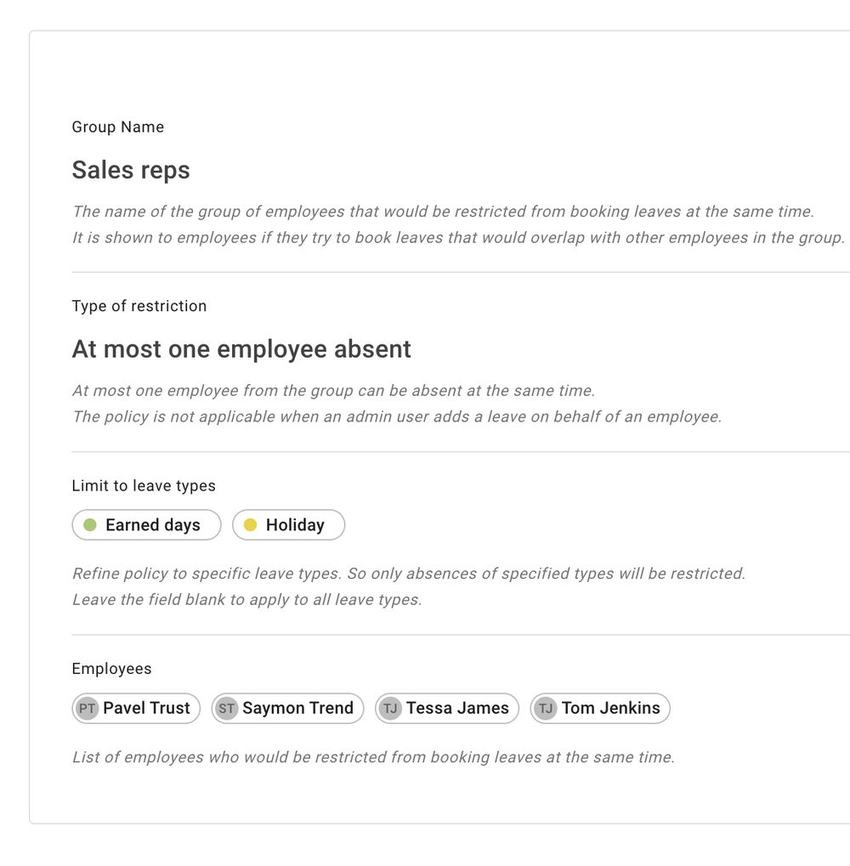
Privacy and restricted overlap
Show sensitive leave as “Unavailable” and prevent selected employees from being off at the same time.
Allowance and Accrual Automation
Handle leave allowance in the way your business actually works. Track entitlement in days, hours, or a mix of both. Calculate allowance from the company leave year or from each employee’s employment anniversary, and choose whether entitlement is given upfront or accrued over time.
Days, hours, or both
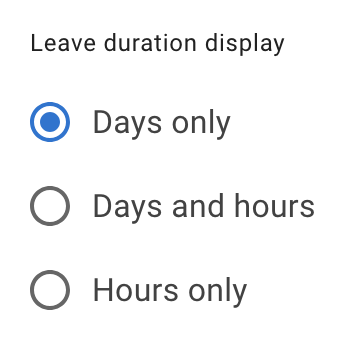
Choose whether leave is displayed as days only, days and hours, or hours only.
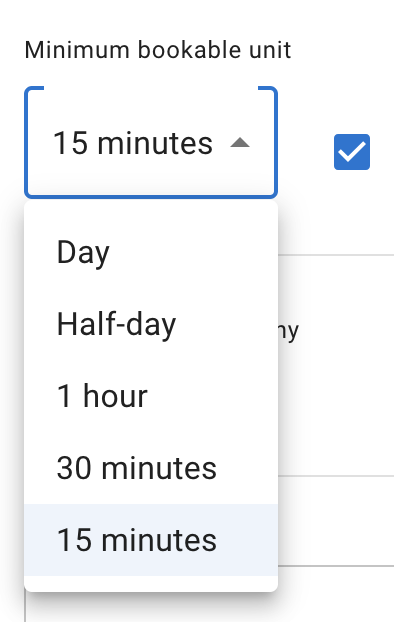
Minimum bookable unit
Set the smallest booking unit, from full days down to 15-minute increments.
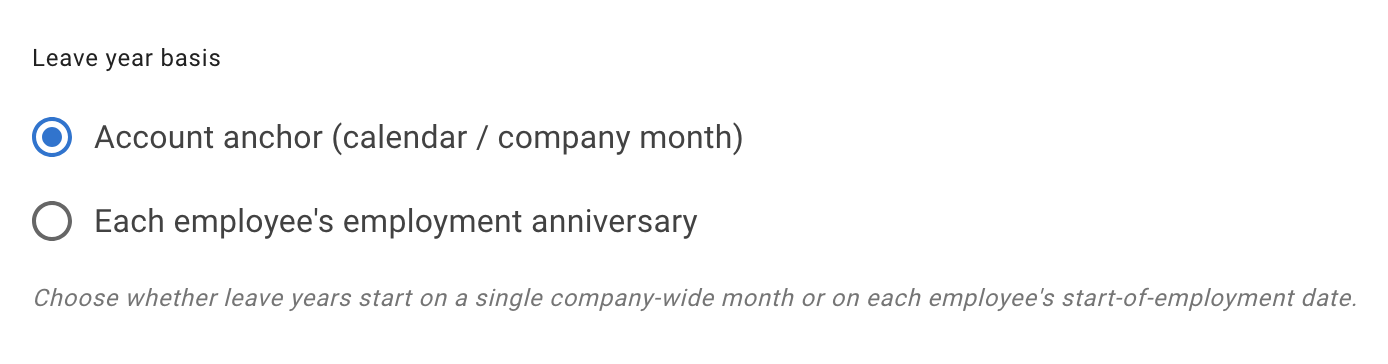
Company year or employment anniversary
Run leave years from one company-wide month or each employee’s start-of-employment date.
Accrued, front-loaded or tenure-based
Support accrued allowance, upfront entitlement and automatic increases based on length of service.
Carry-over and one-off adjustments
Manage carried-over allowance, corrections, bonuses and individual balance changes.
Unlimited allowance
Support leave types with no fixed allowance limit when your policy does not need a traditional balance cap.
Deeper Control for Growing Teams
As your company grows, leave management becomes more than approving holiday requests. You need privacy, reporting, delegated access and a clear view of how policies apply across the business.
Team Management, Roles and Privacy
Give the right people access to the right information without making everyone a full admin. Delegate responsibility while keeping sensitive absence information protected.
Employee management roles
Allow selected people to manage specific employees or teams.
Visibility groups
Control who can see which teams, departments or employees.
Calendar privacy
Keep sensitive absence details private.
Weekly updates
Send useful “who is off” summaries to managers.
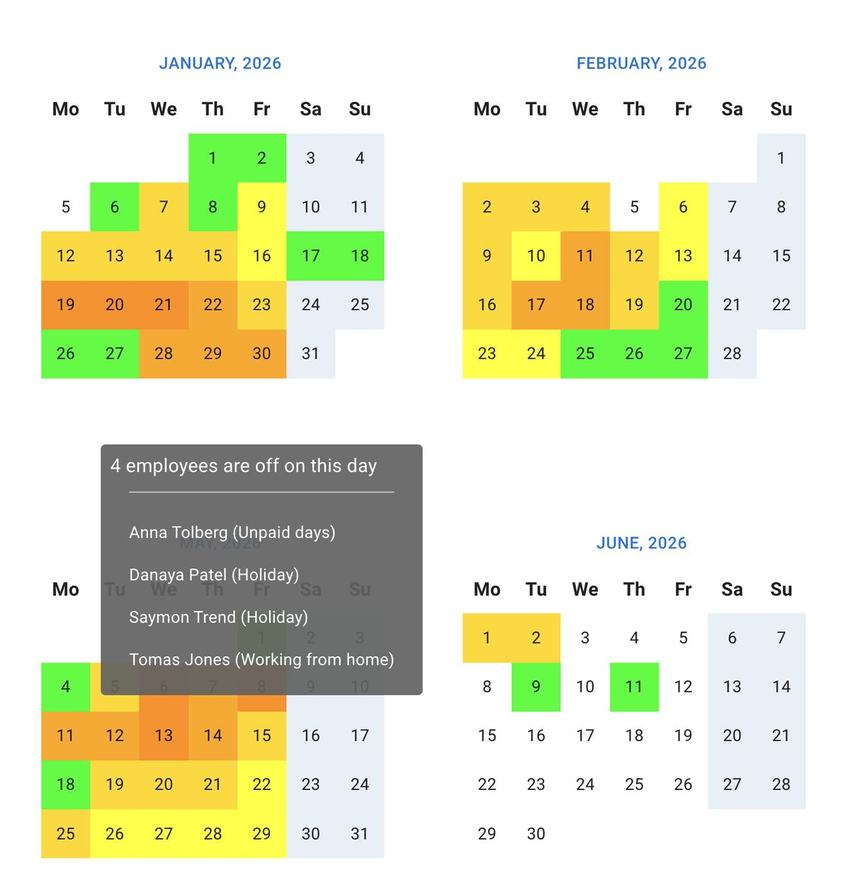
Reports, Heat Maps and Absence Insights
Turn leave data into clear reports that help HR, managers and payroll make better decisions. See where leave is concentrated, filter by what matters and export clean records.
Visual heat maps
See when leave is concentrated and where cover may be tight.
Targeted filtering
Filter by date, leave type, department, location or employee.
Exportable data
Download clean CSV reports for payroll, finance or HR records.
Pattern insights
Spot low leave usage, repeated absence or stretched staffing periods.
SSO, API Access and Calendar Feeds Included
Connect TimeOff.Management with the tools your team already uses. These integrations are included on every account — never a paid add-on.
Single Sign-On
Support larger teams with SSO access when needed.
Developer API
Use API access for integrations, reporting or internal workflows.
Calendar feeds
Subscribe to leave calendars in tools such as Outlook, Google Calendar or Apple Calendar.
Ready to Simplify Leave Management Across Your Team?
Start with the full TimeOff.Management feature set from day one. Set up your policies, invite your team, and give everyone a clearer way to manage time off.
No credit card required. Cancel anytime. Every feature included — $1.50 per user, per month.