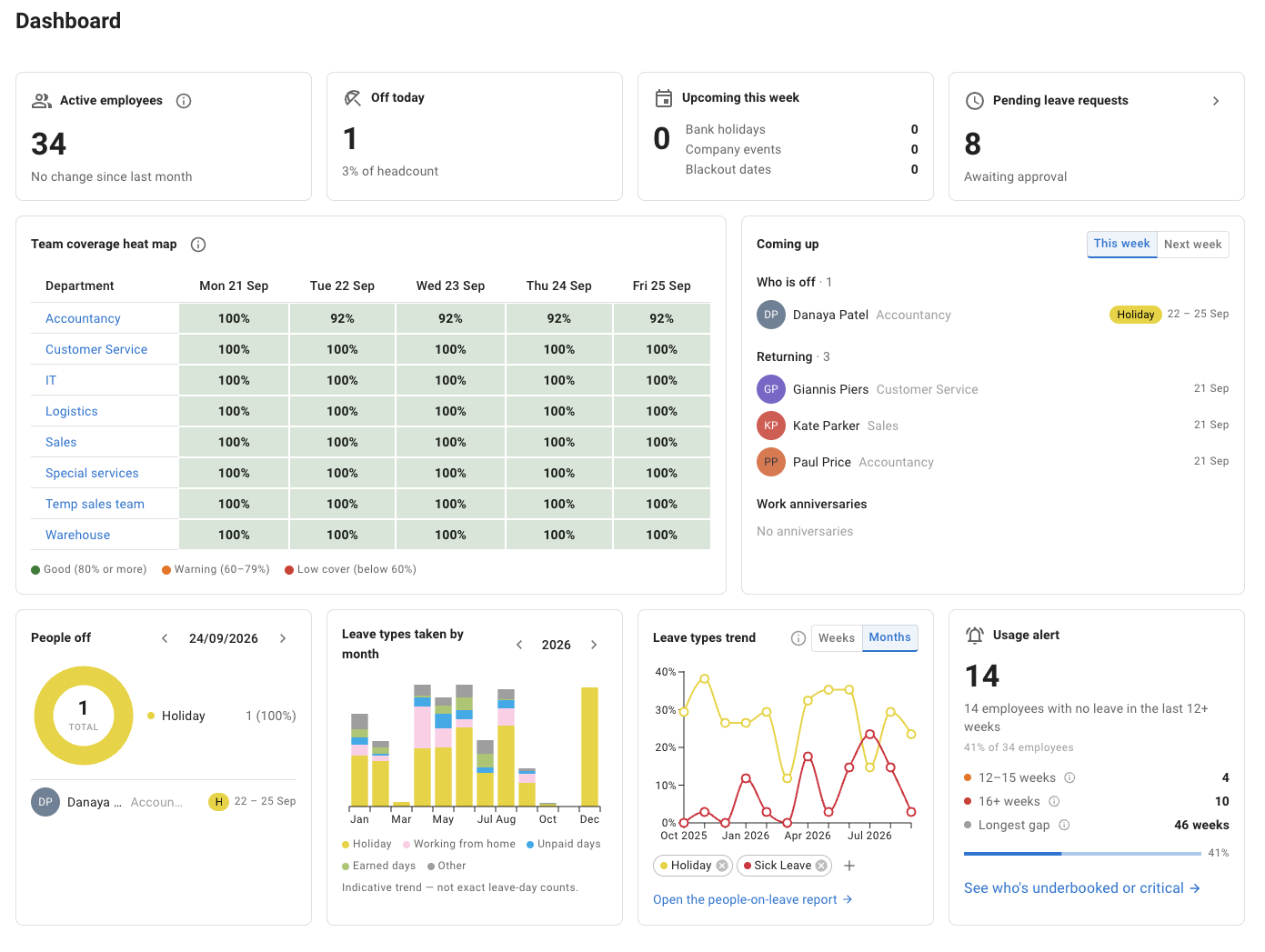
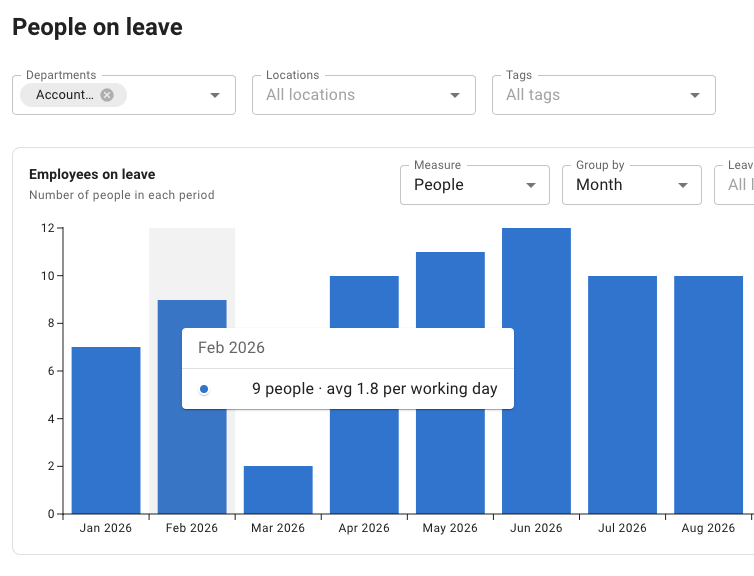
Requests, balances, team visibility and reporting: TimeOff and both Vacation Tracker paid plans cover these everyday tasks. For accruals and hourly requests, the plan you choose matters.
“Included” confirms that the capability is available. Configuration, reporting, visibility and integrations differ. “Team calendar” means the calendar inside the app, not shared Google or Outlook calendar integration.
Carry-over and accruals are listed separately. Core supports carry-over and full- or half-day requests; scheduled accruals and hourly requests are included in Complete.
Next, test your accruals, hourly requests, approval steps and coverage limits. Vacation Tracker puts multi-level approvals and Maximum Users Away in Complete; TimeOff includes its two-tier approvals and coverage rules in one plan. Then compare the workflow and monthly cost for your team.
PTO accruals and hourly requests, included from the start
Set a schedule for when PTO becomes available and let employees see what is available to book.
For example, release the equivalent of 10 hours each month instead of making a manual top-up. Configure 15-minute, 30-minute or hourly booking increments to match your policy.
A two-hour appointment can use two hours of PTO rather than being recorded as half a day.
Illustrative policy: eight-hour standard day, no carry-over or other adjustments. Each monthly release is 1.25 days, displayed here as 10 hours. This is a deduction preview, not a real request.
Route routine vacation requests to the employee’s manager. Add HR or another reviewer when your policy needs a second decision.
Choose who goes first and apply the extra step only to the leave types, employees, departments or locations that need it. Vacation could use manager approval, while unpaid leave requires both the manager and HR.
Set a maximum number of people who can be away, or a minimum number who must remain. Apply the rule to a department, location, tagged group or named employees.
For example, allow no more than two customer support team members to take vacation at once. With blocking enabled, a third overlapping request is automatically blocked before approval. Pending requests count towards the limit too.
Prefer a warning? Let the request proceed with a note for the approver instead.
Vacation Tracker offers native Slack and Microsoft Teams workflows. When staying in those tools is a priority, that is a meaningful reason to consider it.
Slack
Microsoft Teams
Web dashboard
It also supports email-based signup and a web dashboard. Slack or Teams is an option, not a requirement.
Bring your policies and questions to a demo. Work through accrual schedules, approval routes and coverage rules before deciding how to roll out the system.
“Good software - it definitely filled a need in our organization and is also a well-run company. A pleasure to do business with them”
GW George WalkerGoogle review
Bring your current policies
Talk through when PTO is released, who reviews requests and which coverage rules matter.
Work through your setup
Explore the settings with someone who knows TimeOff.
Test before you decide
Check typical requests and balances during your 30-day trial.
One plan. Every TimeOff feature.
What would your team pay each month?
$1.50per user per month
Accruals, hourly requests, two-tier approvals and coverage rules are included. There is no higher TimeOff feature tier to unlock.
This example compares paid monthly plans. Vacation Tracker also offers discounted annual billing; check the annual quote for your team before deciding.
Does Vacation Tracker include PTO accruals and hourly leave?
On its Complete plan. Vacation Tracker’s pricing page lists PTO accruals and hourly leave requests in Complete, not Core (checked 29 September 2026). TimeOff includes accrued allowance schedules and 15-minute, 30-minute or hourly booking increments in its one plan.
Yes. A two-tier approval policy adds a second reviewer before or after the employee’s manager, for the leave types, employees, departments or locations you choose. The request stays pending until both have approved.
Can TimeOff limit how many people are off at the same time?
Yes. A Restrict leave overlap policy sets a maximum number away or a minimum number present for a department, location, tag or named employees. Pending requests count, and you choose whether a request over the limit is blocked or allowed with a warning for the approver.
Does TimeOff work inside Slack or Microsoft Teams?
No. TimeOff is a web app, on desktop or mobile. Calendar feeds show approved leave in Google Calendar or Outlook, while requests and approvals stay in TimeOff. If approving leave inside Slack or Teams matters most to your team, Vacation Tracker offers that natively, according to its Slack and Teams integration pages (checked 29 September 2026).
TimeOff costs $1.50 per user per month, in one plan with every feature included. Start with a 30-day free trial, no credit card required, and cancel anytime.
Put your PTO policy to the test
See how your PTO policy works in TimeOff.
Test an accrual schedule, book a partial day, route a request through both reviewers and check coverage before you decide.
Full feature access. No credit card required. Cancel anytime.
Vacation Tracker refers to VacationTracker.io. This page compares selected PTO requirements and its Core and Complete paid plans, not every product capability or offer. Prices are USD monthly rates; annual plans use different rates. Features, plans and prices may change. The interactive examples are illustrations of the stated rules, not exact reproductions of the application.