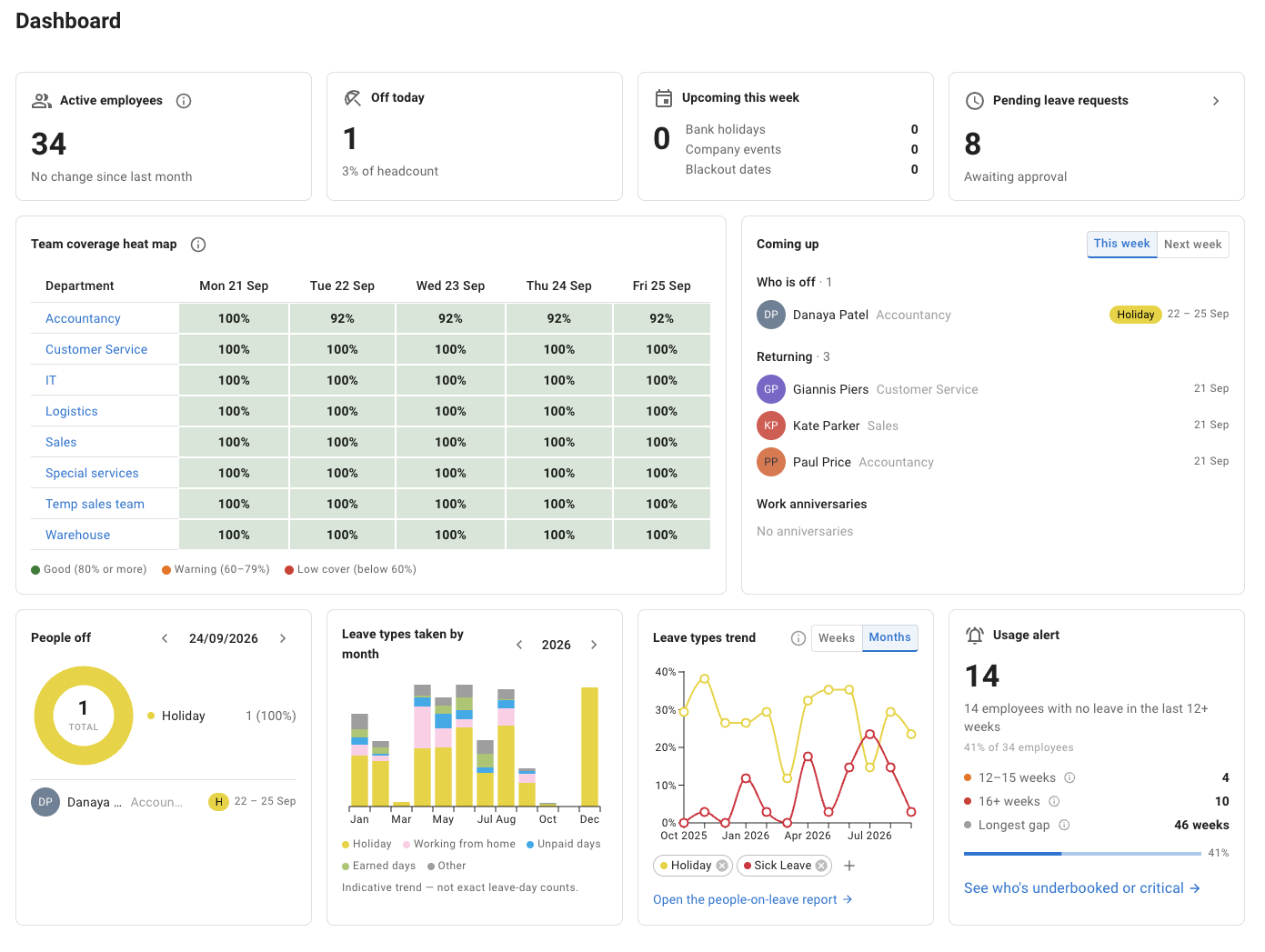
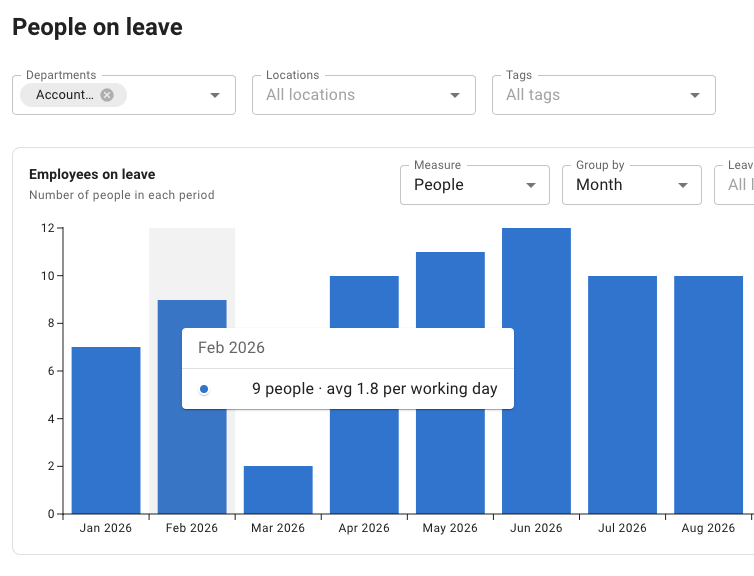
From requesting PTO and checking balances to viewing team availability and reporting on leave, both TimeOff and Calamari’s Time Off module cover these everyday tasks.
“Included” confirms that the capability is available. Configuration options, workflows and integrations differ between products. Calamari’s Time Off module is available separately; the wider HR suite is not required.
Next, test your accruals, working schedules, coverage limits and approval steps. Then compare the workflow and subscription that suit your team.
01
Different people. Different PTO policies.
PTO accruals that match different employee policies
Not everyone receives PTO in the same way. One employee group may receive its annual balance upfront, while another accrues it through scheduled releases.
TimeOff supports both approaches. Set a release schedule for the relevant employees and let them see what is available to book.
When a correction is needed, record an individual adjustment with a comment explaining it. For example, an employee could receive the equivalent of 10 hours of PTO each month, with each release recorded in their schedule.
Illustrative employee policy10 hours released monthly
All features included
Jan 1 Released +10 hrs
Feb 1 Released +10 hrs
Mar 1 Released +10 hrs
Released
30 hrs
Already used
8 hrs
Available
22 hrs
AMAlex MorganA partial-day PTO request
Balance after approval20hours
22 available − 2 requested = 20 hours remaining
Two illustrative 120-hour annual policies: 1.25 days (10 hours) released monthly, or 15 days (120 hours) upfront. Eight-hour standard day; 8 hours already used; no carry-over or adjustments. This is a preview, not a real request.
Calculate PTO usage for part-time and rotating schedules
A standard Monday-to-Friday calendar does not describe every employee’s working pattern.
TimeOff supports individual weekly schedules and repeating day-based cycles, such as four days on, four days off. Add a new pattern from its effective date when someone’s schedule changes.
A request spanning working and non-working days uses PTO for the scheduled working time, not every calendar day. The PTO allowance is set separately; the schedule determines how much a request deducts.
4 working daysCount towards usage4 non-working daysNot deducted
Illustrative calculation: eight-hour standard day, four eight-hour workdays then four days off, no public holidays. This calculates usage, not entitlement.
Set a maximum number of people who can be away or a minimum number who must remain. Apply coverage rules to departments, locations, tagged groups or named employees.
For example, require at least two senior customer support specialists to remain available across departments. With blocking enabled, a request that would take the group below that minimum is automatically blocked before approval.
Pending requests count towards the limit too. Prefer a warning? Let the request proceed with a note for the approver instead.
Add a second PTO approval when your policy requires it
Keep routine vacation requests with the manager, and add HR review for selected leave types.
TimeOff’s two-tier approval lets you choose whether the manager or the second reviewer goes first. For example, vacation could need one decision, while unpaid leave needs both the manager and HR.
Calamari supports time-off requests, approvals and leave-status updates directly in Slack. That is a meaningful advantage when your team wants to stay in Slack.
Slack
Web dashboard
Native mobile apps
Calamari also provides web access and native Android and iOS apps. Slack is an option, not a requirement.
Bring your current policies to a demo. Work through the accrual schedule, approval order and coverage rules with someone who knows TimeOff, then test the setup during your trial.
“I appreciate the rapid response of your support team at TimeOff. They were knowledgeable and polite.”
DD Donald DorrGoogle review
Bring your current policies
Talk through when PTO is released, who reviews requests and which coverage rules matter.
Work through your setup
Explore the settings with someone who knows TimeOff.
Test before you decide
Check typical requests and balances during your 30-day trial.
One plan. Every TimeOff feature.
Monthly or annual? Compare both.
$1.50per user per month
Accruals, repeating work schedules, two-tier approvals and coverage rules. Every TimeOff feature, with monthly billing.
Calamari also offers monthly billing. Its 10-seat minimum is a minimum charge, not a requirement to employ 10 people. This comparison covers its Time Off module, not the full HR suite.
Calamari’s annual rate is $2 per user per month equivalent, billed as a yearly payment, with a 10-seat minimum charge. Include active administrators and managers in its paid-user count.
Calamari’s pricing page lists its Time Off module at $2.50 per user per month billed monthly, or $2 per user per month billed yearly, with a minimum charge equal to 10 seats (checked 30 September 2026). TimeOff costs $1.50 per user per month, billed monthly, with no minimum and every feature included.
Can different employees receive PTO in different ways?
Yes. An allowance can be available in full from the start of the leave year, or released in instalments, such as monthly, by an accrued allowance schedule assigned to selected employees. Employees see what is available to book, and an individual adjustment corrects one person’s balance.
Does TimeOff handle rotating schedules such as four days on, four days off?
Yes. Give an employee a weekly schedule or a repeating cycle of days, starting from the date it takes effect. A request is deducted for the scheduled working time it covers, so the days off in the cycle cost nothing.
Can TimeOff keep a minimum number of people at work?
Yes. A Restrict leave overlap policy sets a minimum number present, or a maximum number away, for a department, location, tag or named employees. Pending requests count, and you choose whether a request over the limit is blocked or allowed with a warning for the approver.
Does TimeOff work inside Slack?
No. TimeOff is a web app, on desktop or mobile. Calendar feeds show approved leave in Google Calendar or Outlook, while requests and approvals stay in TimeOff. If requesting and approving leave inside Slack matters most to your team, Calamari offers that, according to its Slack integration page (checked 30 September 2026).
Check a balance release, book time off against a rotating schedule and test a coverage limit. See how TimeOff handles your requirements before deciding whether to switch.
Full feature access. No credit card required. Cancel anytime.
Calamari refers to Calamari.io. This page compares selected PTO capabilities with Calamari’s standalone Time Off module, not its full HR offering. Prices are standard USD rates before taxes, add-ons or discounts; Calamari’s monthly and annual billing are both shown, and an annual monthly-equivalent figure is not a monthly payment. Features, plans and prices may change. The interactive examples use fictitious data and are illustrations of the stated rules, not exact reproductions of the application. The customer review is general feedback about TimeOff, not evidence of a switch from Calamari.