Setting employee rotas
Rotas help you manage employees who do not work a standard weekly pattern. This is useful for teams working on repeating shifts, weekend patterns, or changing work cycles.
To manage an employee’s rotas, go to Employee Details → Schedule.
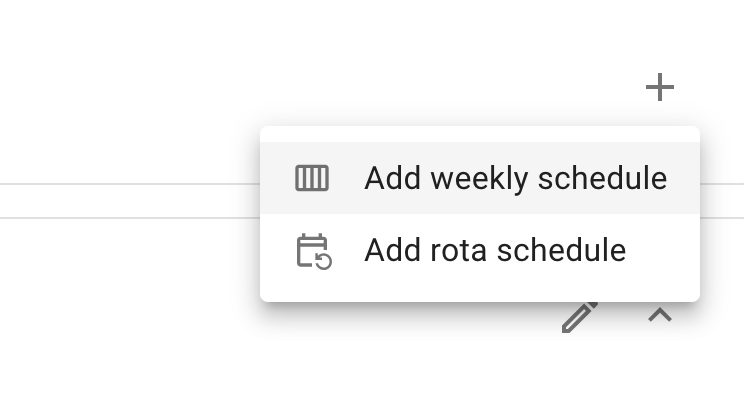
Click ”+” and Select “Add rota schedule”.
Start by selecting the day the rota begins.
Next, select the standard day length for your company. This is the number of hours the system will treat as a full working day.
If some days are shorter but still count as full working days, use the Customise day length per individual day toggle to adjust them. For example, if Friday is a 5-hour day but is still considered a full working day, you can define that here.
Once that is done, build the rota pattern and press Save.
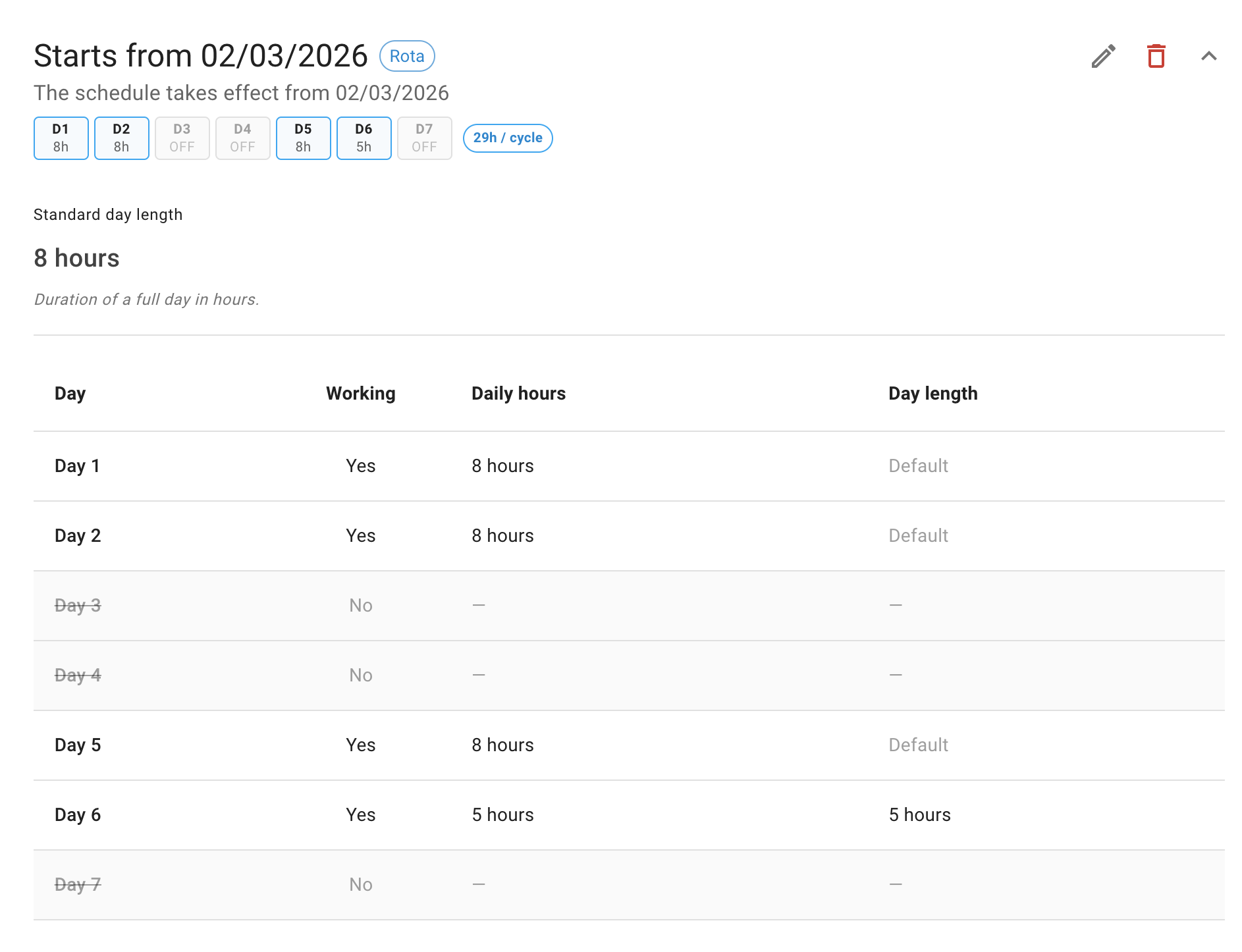
If a rota pattern needs to change, for example for seasonal workers, create a new rota with the updated pattern and a new Start on date. The new rota will automatically take effect from that date.