📥 Every pending leave request in one list, for admins
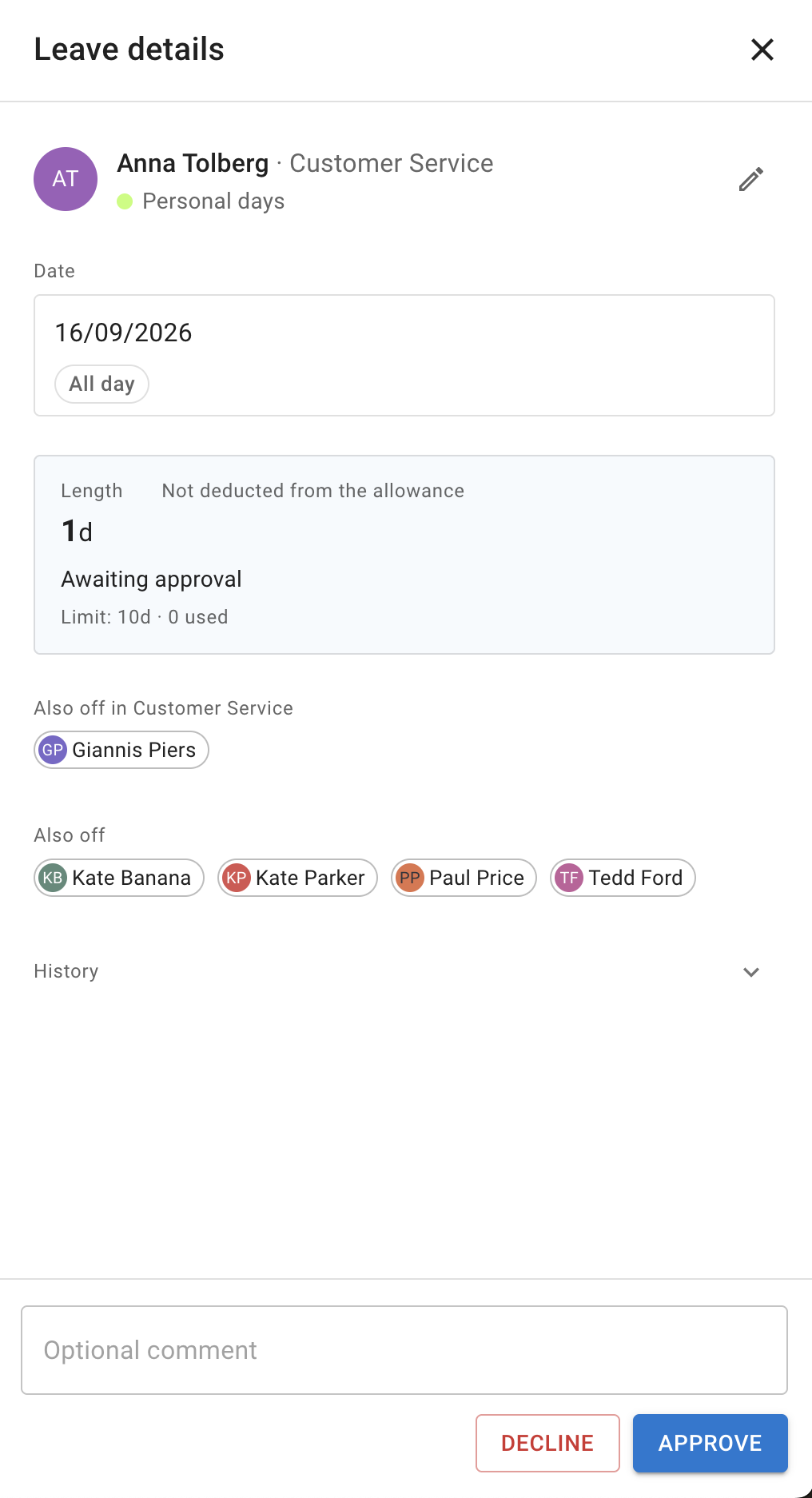
Admins get one place to see, and act on, every leave request in the company that is awaiting a decision. At the top of the list of leave requests, switch on All requests in the company. With the switch off, the list shows the requests waiting for you. An Admin chip marks a request you see only because you are an administrator, one that is waiting for someone else’s approval. Approve and Decline work the same way on every request in the list, and the switch stays at the top while you scroll.
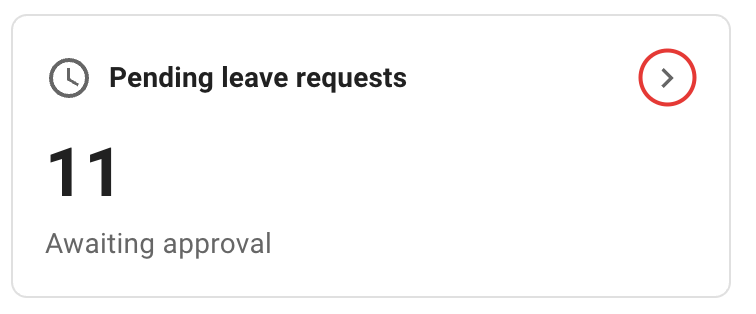
Open the list from Leave requests in the bar at the top of the page. On the Dashboard, the arrow on the Pending leave requests card opens the same list with every request showing.