
Exceed leave type limits
Exceed leave type limits lets selected employees go above the normal limit for a specific leave type.
Use this when your company needs flexibility for approved exceptions.
For example, an employee may have used their yearly sick leave limit but needs extra time off because of an unexpected health issue.
This setting helps your company support special cases without changing the leave type limit for everyone.
It takes two steps
Exceeding a leave type limit is switched on in two stages, and the second does nothing without the first.
- Make the capability available for the company, in Advanced Settings. On its own this grants nobody anything.
- Grant it — either company-wide, or, far more commonly, to one employee on their own record.
If you have enabled it for an employee and it still is not working, check step one.
How this fits with allowance setup
Leave type limits are different from the employee’s main allowance.
The main allowance is the employee’s overall holiday, annual leave, vacation, or PTO balance.
A leave type limit is a cap for one specific leave type.
For example:
- holiday may deduct from the main allowance
- sick leave may have its own yearly limit
- working from home may have its own yearly limit
- unpaid leave may have its own yearly limit
The Exceed leave type limits setting only affects leave type limits.
It does not let the employee go below their main allowance balance.
For a full overview of how allowance works, read: Setting up allowances
Exceed leave type limits vs negative allowance
These two settings are different.
| Setting | What it affects | Use it when |
|---|---|---|
| Exceed leave type limits | A limit set for one leave type | The employee needs to go above a leave type limit |
| Negative allowance | The main allowance balance | The employee needs to book more leave than their remaining allowance |
For example, if an employee has reached their sick leave limit, use Exceed leave type limits.
If an employee has no holiday allowance left but needs to book more holiday, use Negative allowance.
Read more: Negative allowance
When to use this setting
Use Exceed leave type limits for approved exceptions.
For example:
- extra sick leave has been agreed
- extra working from home days have been approved
- unpaid leave needs to go above the normal limit
- a special arrangement has been agreed by HR
- one employee needs temporary flexibility
- one employee has a different leave type limit from the company default
This setting gives managers and admins control without changing the rules for everyone.
Before you enable it
Before enabling this setting, check:
- the employee’s main allowance balance
- the leave type limit
- the reason for the exception
- whether the exception should apply to one employee or everyone
- whether negative allowance is also needed
- your company leave policy
If the employee only needs a different limit, you may not need this setting.
You may be able to set an individual leave type limit instead.
Read more: Individual limits for leave types
Enable Exceed Leave Type Limits in Advanced Settings
To use this feature, first enable it in Advanced Settings.
Go to:
Settings → Advanced Settings
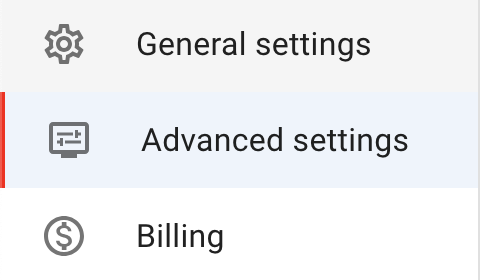
Click Edit in the top-right corner to put Advanced Settings into edit mode.

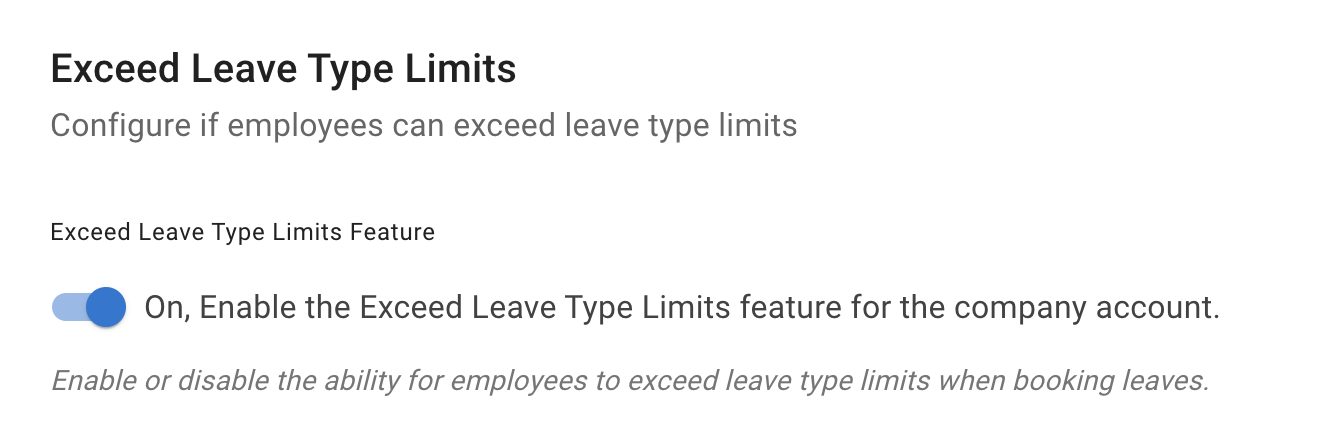
Toggle Exceed Leave Type Limits on.
This makes the feature available, but it does not automatically enable it for every employee.
Enable it for all employees
To make this setting available for everyone, toggle Allow to Exceed Leave Type Limits.
This enables the option company-wide.
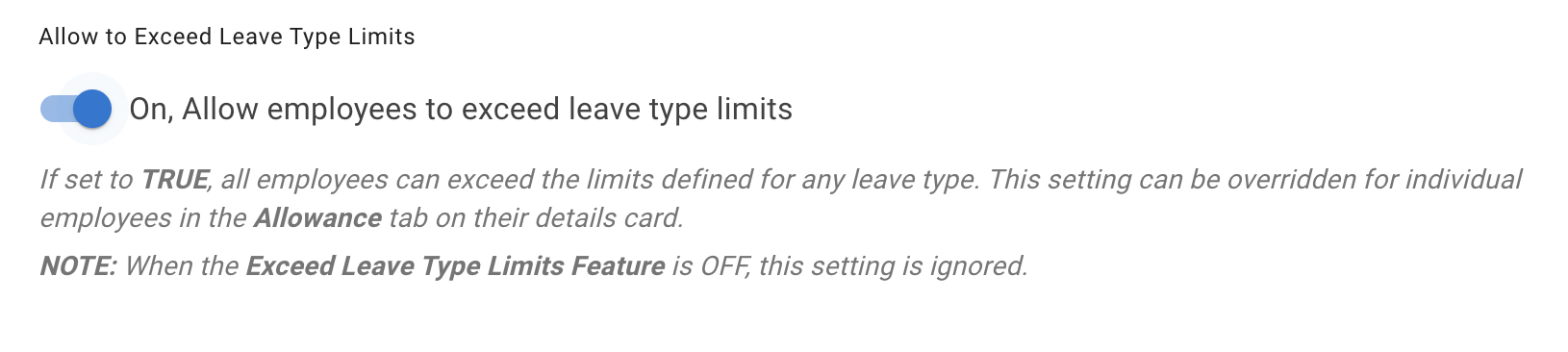
Use this carefully.
Most companies only need this for selected employees or special cases.
Enable it for one employee
For a more targeted approach, enable the setting for one employee.
Go to:
Employee Details → Allowance tab
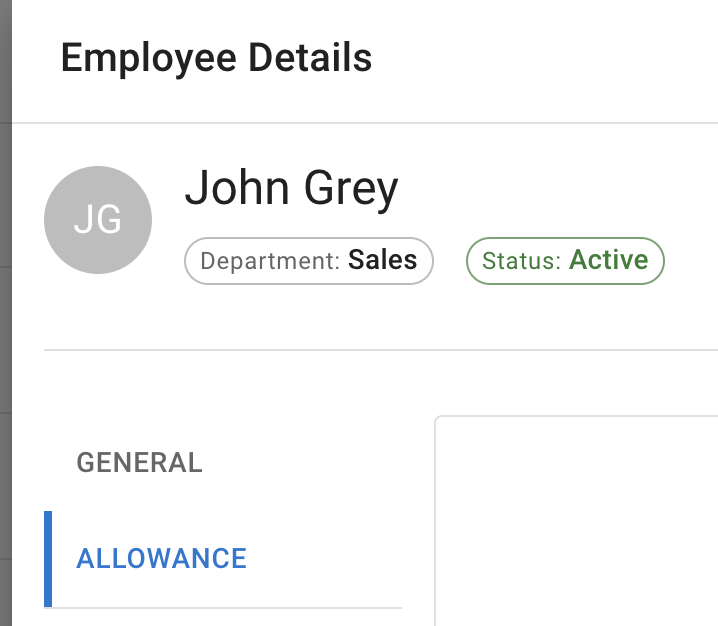
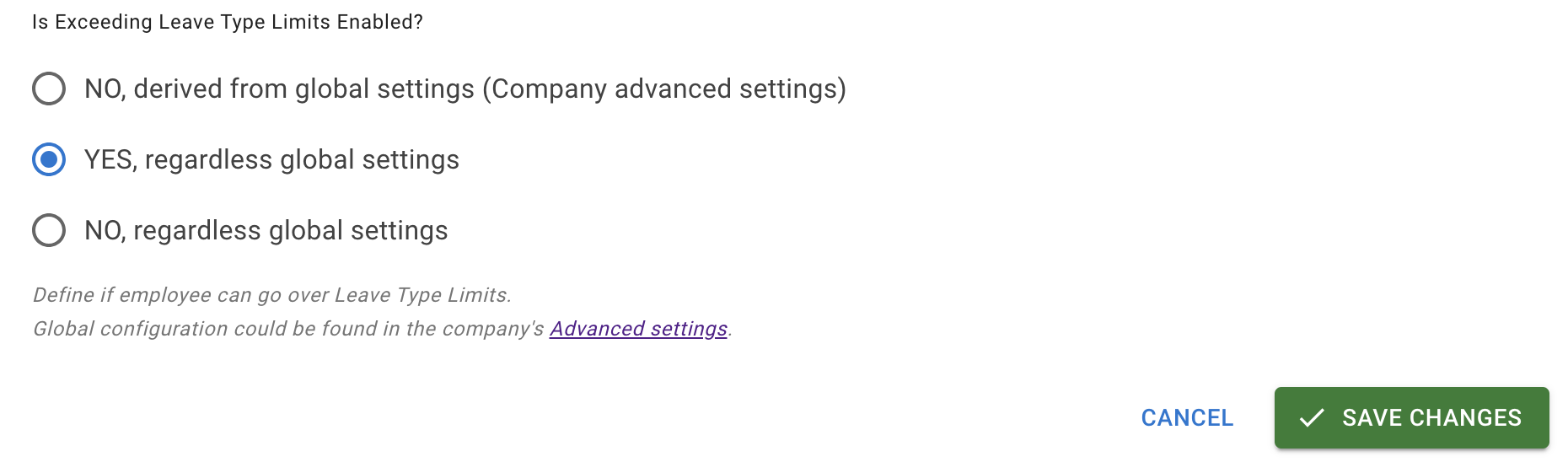
At the bottom of the page, find Is Exceeding Leave Type Limits enabled.
Select Yes and save your changes.
This allows the selected employee to exceed leave type limits.
Example
Your company has a sick leave type with a yearly limit of 10 days.
One employee has already used 10 days but needs 2 more days because of an approved health-related absence.
Instead of changing the sick leave limit for everyone, you can allow that employee to exceed the leave type limit.
The employee can then book the extra sick leave, while the standard sick leave limit still applies to other employees.
Important notes
Exceed Leave Type Limits does not change the employee’s main allowance.
It also does not change the leave type limit for other employees.
Use it only when the exception is approved by your company.
If the employee also needs to go below their main allowance balance, check whether Negative allowance is needed.
Best practice
Use Exceed Leave Type Limits for clear, approved exceptions.
Keep normal leave type limits in place for everyone else.
If one employee regularly needs a different limit, use an individual leave type limit instead.
If the exception affects the main allowance balance, review Negative allowance before approving the request.