
Team View leave data privacy options
Visibility settings sit in General settings, a tile on the Settings page:
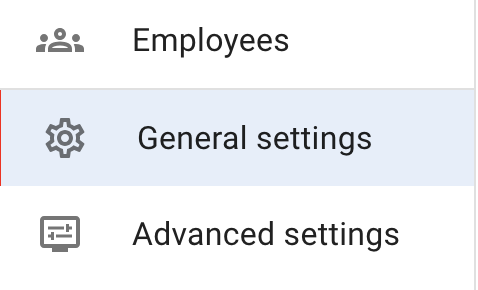
Press Edit at the top right corner to switch General Settings into edit mode.

The second part of the form controls who can see leave data in Team View. This helps you match the system to your company’s privacy rules. You can choose from the following options:
-
Admins only
Only admins can access Team View and see all employees.
-
Admins and Supervisors
Admins can see the whole company. Supervisors can see the employees they manage.
-
Department members
Admins can see everyone. Supervisors can see users they manage. Employees can only see colleagues in their own department.
-
Everyone sees everyone
All users can see the full Team View across the company.
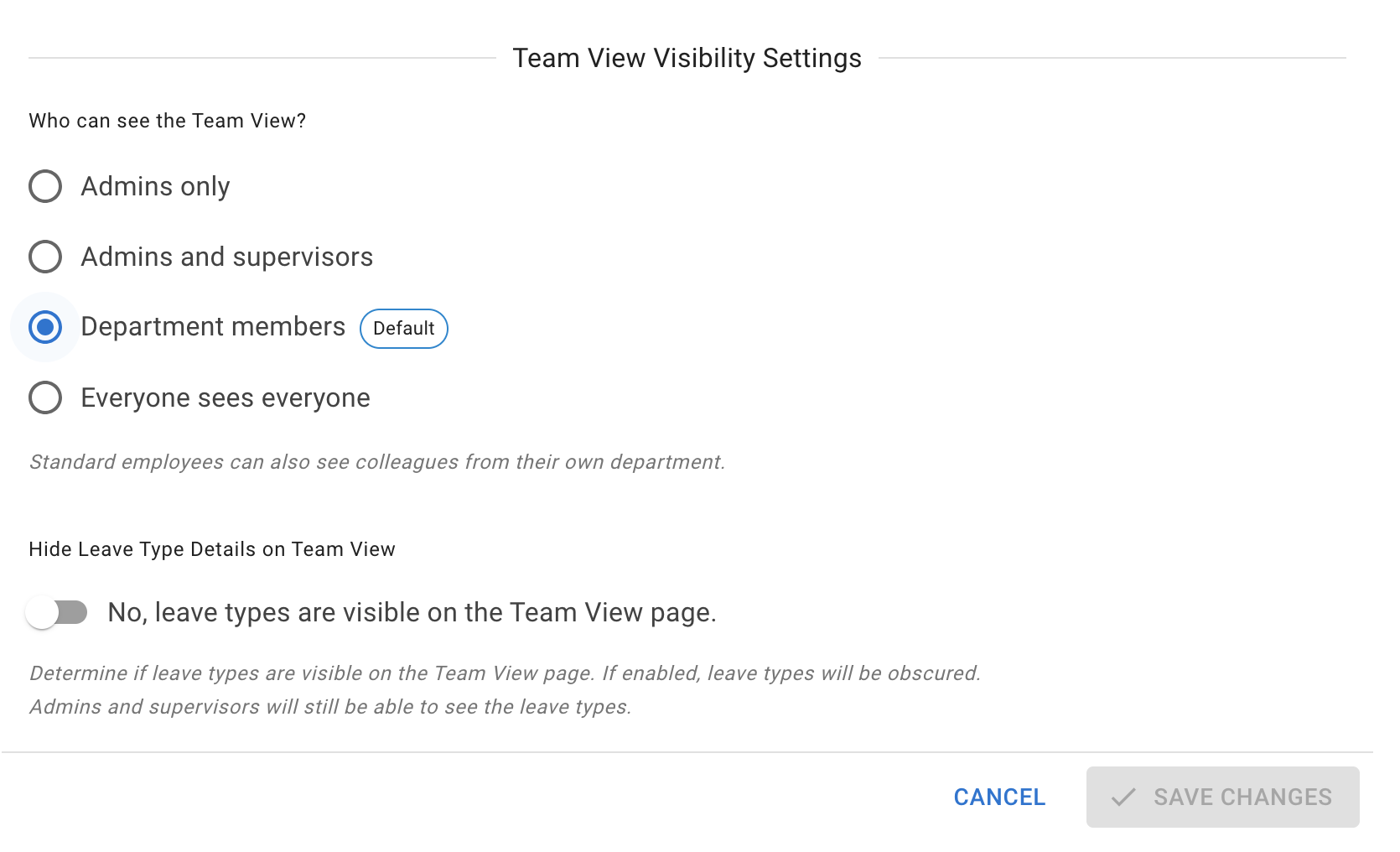
Below the visibility options sits Hide Leave Type Details on Team View. When this option is enabled, all leave appears in grey. Employees who can reach Team View will see that someone is off, but not the reason (for example, holiday or sick leave). It changes nothing for employees the visibility option above keeps out of Team View in the first place.
Admins and supervisors will still be able to see full details, including the leave type.
This setting applies to every leave type at once. If only some of your leave types are sensitive, each leave type also has its own Obfuscate on Team View and Hide from Team View settings, which are more precise. And whether leave synced out to an external calendar names the leave type is decided separately again, in your calendar feed settings.
Read more: Leave types, Team View privacy modes and Calendar feed company settings