
Negative allowance
Negative allowance lets selected employees book more leave than their remaining main allowance balance.
Use this when your company wants to allow approved exceptions.
For example, an employee may need urgent leave for a family emergency, but they do not have enough holiday, vacation, or PTO allowance left.
Negative allowance gives your company a controlled way to approve that request.
How this fits with allowance setup
Negative allowance affects the employee’s main allowance balance.
The main allowance is the employee’s overall holiday, annual leave, vacation, or PTO balance.
This balance may come from:
- department allowance
- individual allowance
- an accrual schedule
- carry over
- manual adjustments
- tenure-based allowance
Negative allowance lets this balance go below zero.
For a full overview of how allowance works, read: Setting up allowances
Negative allowance vs leave type limits
Negative allowance does not override leave type limits.
A leave type limit is a cap for one specific leave type.
For example:
- sick leave may have its own yearly limit
- working from home may have its own yearly limit
- unpaid leave may have its own yearly limit
If an employee needs to go above a leave type limit, use Exceed leave type limits.
If an employee needs to go below their main allowance balance, use Negative allowance.
| Setting | What it affects | Use it when |
|---|---|---|
| Negative allowance | Main allowance balance | The employee needs to book more leave than their remaining balance |
| Exceed leave type limits | A limit set for one leave type | The employee needs to go above a leave type limit |
Read more: Exceed leave type limits
When to use negative allowance
Use Negative allowance for clear, approved exceptions.
For example:
- an employee has an emergency and needs extra leave
- an employee has no remaining holiday allowance but leave is approved
- HR has agreed that an employee can borrow from future allowance
- a manager approves extra time off before the next allowance year
- the company allows selected employees to go below zero balance
This setting gives your company flexibility without changing allowance rules for everyone.
Before you enable it
Before enabling negative allowance, check:
- the employee’s remaining allowance
- the leave type being booked
- whether the leave type has its own limit
- whether the request should be approved as an exception
- whether the employee should be allowed to go below zero
- your company leave policy
If the employee only needs to go above a leave type limit, use Exceed leave type limits instead.
Enable Negative allowance in Advanced Settings
To use this feature, first enable it in Advanced Settings.
Go to:
Settings → Advanced Settings
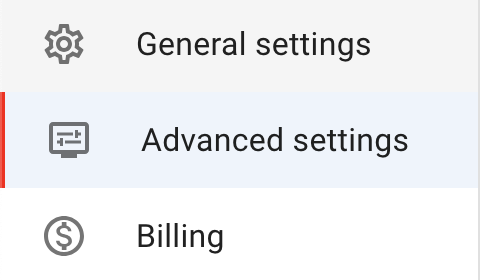
Click Edit in the top-right corner to put Advanced Settings into edit mode.

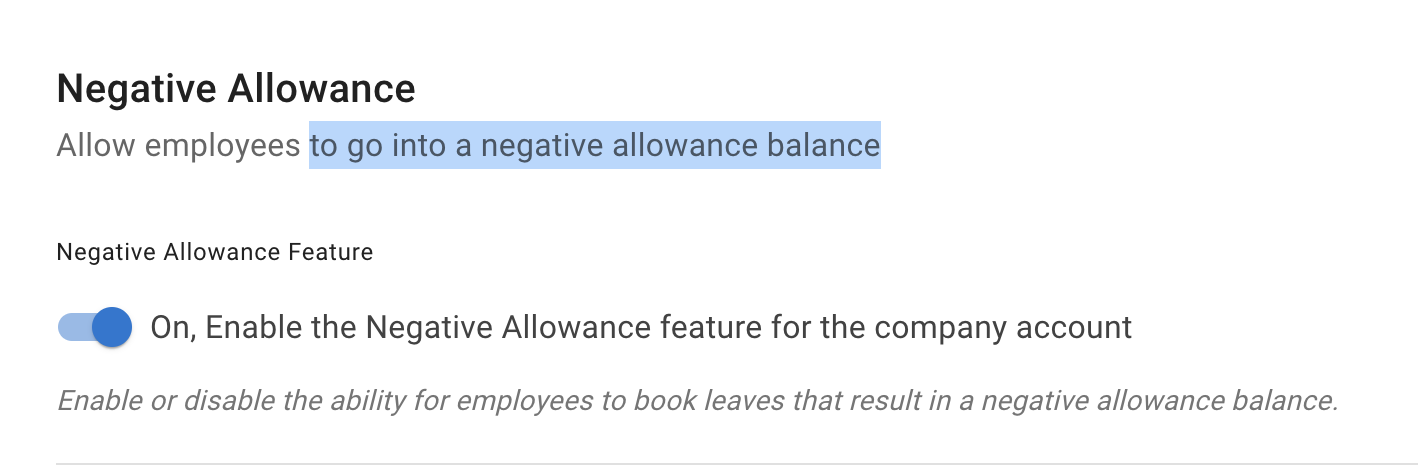
Toggle Negative allowance on.
This makes the feature available, but it does not automatically enable it for every employee.
Enable it for all employees
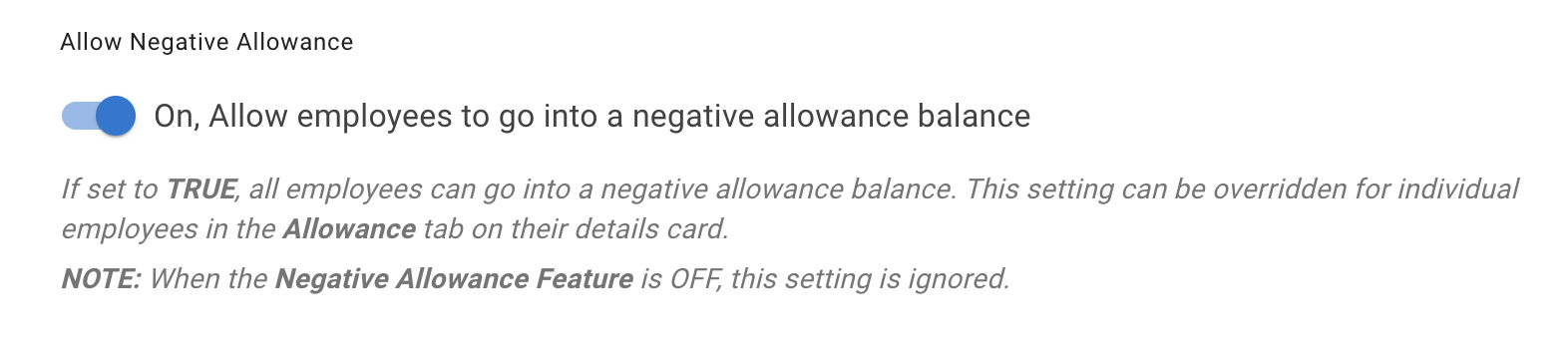
To make this setting available for everyone, toggle Allow Negative Allowance.
This enables negative allowance company-wide.
Use this carefully.
Most companies only need negative allowance for selected employees or special cases.
Enable it for one employee
For a more targeted approach, enable negative allowance for one employee.
Go to:
Employee Details → Allowance tab
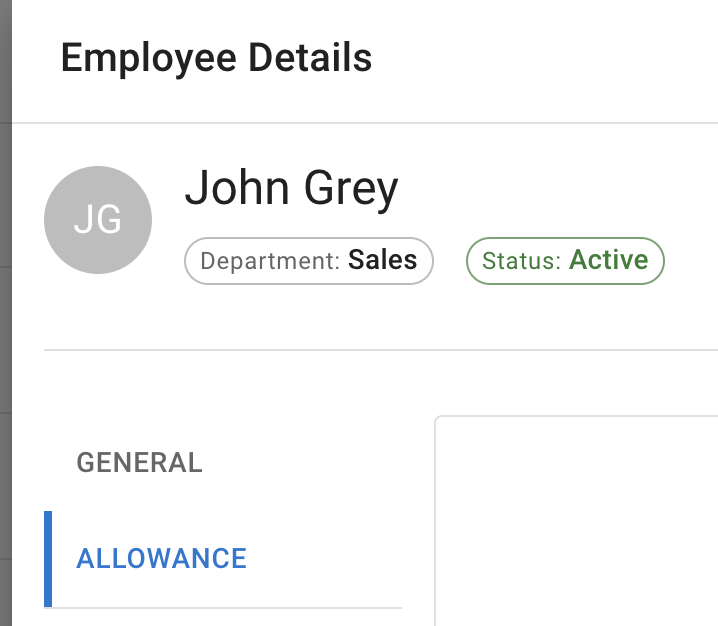
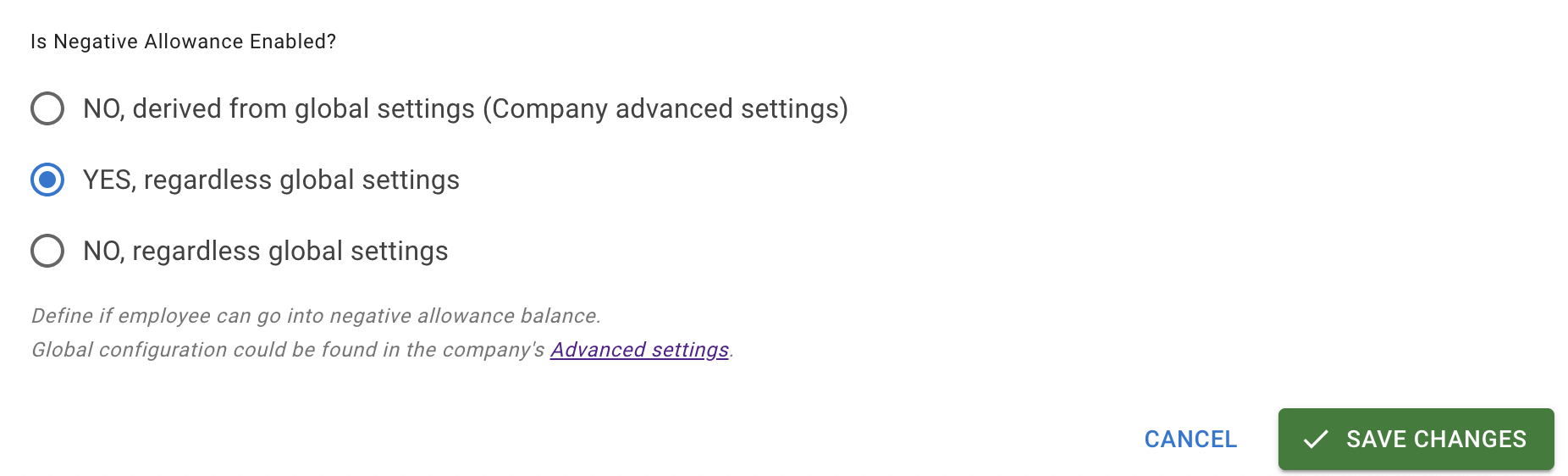
At the bottom of the page, find Is Negative allowance enabled.
Select Yes and save your changes.
This allows the selected employee to go below their remaining allowance balance.
Example
An employee has 1 day of holiday allowance remaining.
They need to book 3 days of approved leave.
If negative allowance is enabled for that employee, they can submit or have the request approved even though it takes their balance below zero.
After the booking, their remaining allowance may show as a negative balance.
Important notes
Negative allowance does not remove the approval process.
Managers still need to approve leave requests unless an auto-approval policy covers that employee’s own requests for the leave type concerned — a policy can be limited to particular actions and particular leave types, so being named in one is not on its own enough.
Read more: Auto-approval policy
Negative allowance also does not override leave type limits.
If the employee has reached a leave type limit, you may also need to use Exceed leave type limits.
Best practice
Use Negative allowance only for approved exceptions.
For most companies, it is safer to enable it for selected employees instead of everyone.
If an employee regularly needs more allowance, review their department allowance, individual allowance, or accrual schedule instead.