
Setting up admin users
1 min read
By TimeOff Support
To assign Administrator rights to an employee:
- Select the employee’s name from the list.
- Go to the General tab.
- Select Edit, the pencil on the Identity caption.
- Switch Administrator on, in the Account section.
- Select Save changes at the foot of the drawer.
This grants the employee admin privileges in the system.
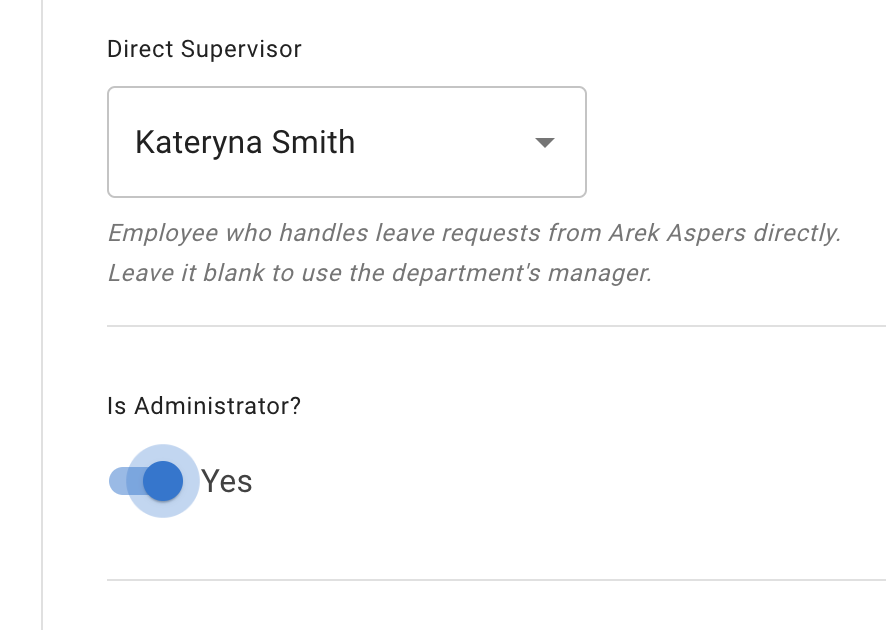
Administrator rights include:
- Setup the account
- Add and amend billing details
- See all employees’ annual leave
- Book and cancel leave for all employees (including historic leave)
- Set / edit annual entitlement
- Cancel company account