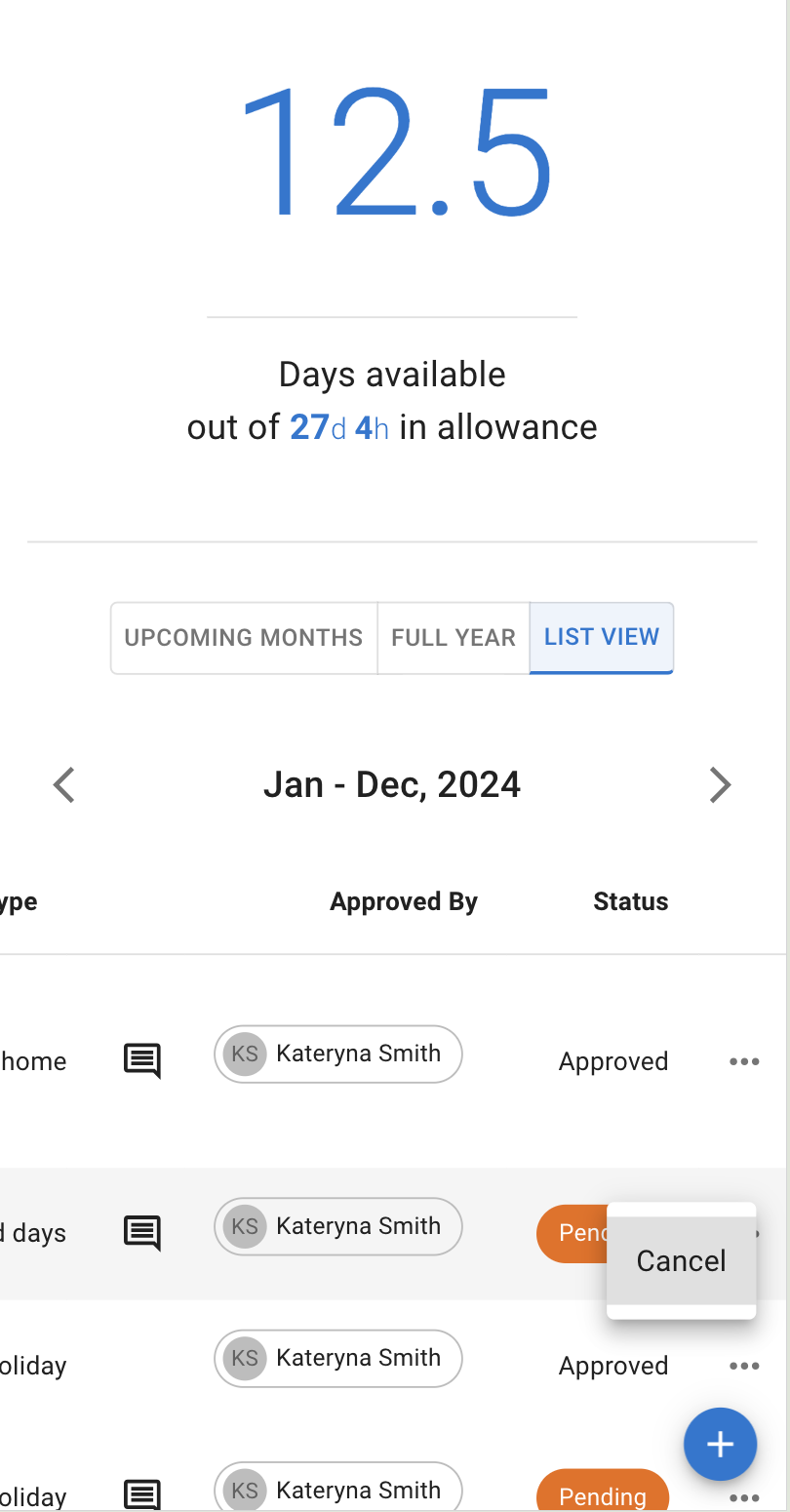
Cancel/Revoke leave requests
1 min read
By TimeOff Support
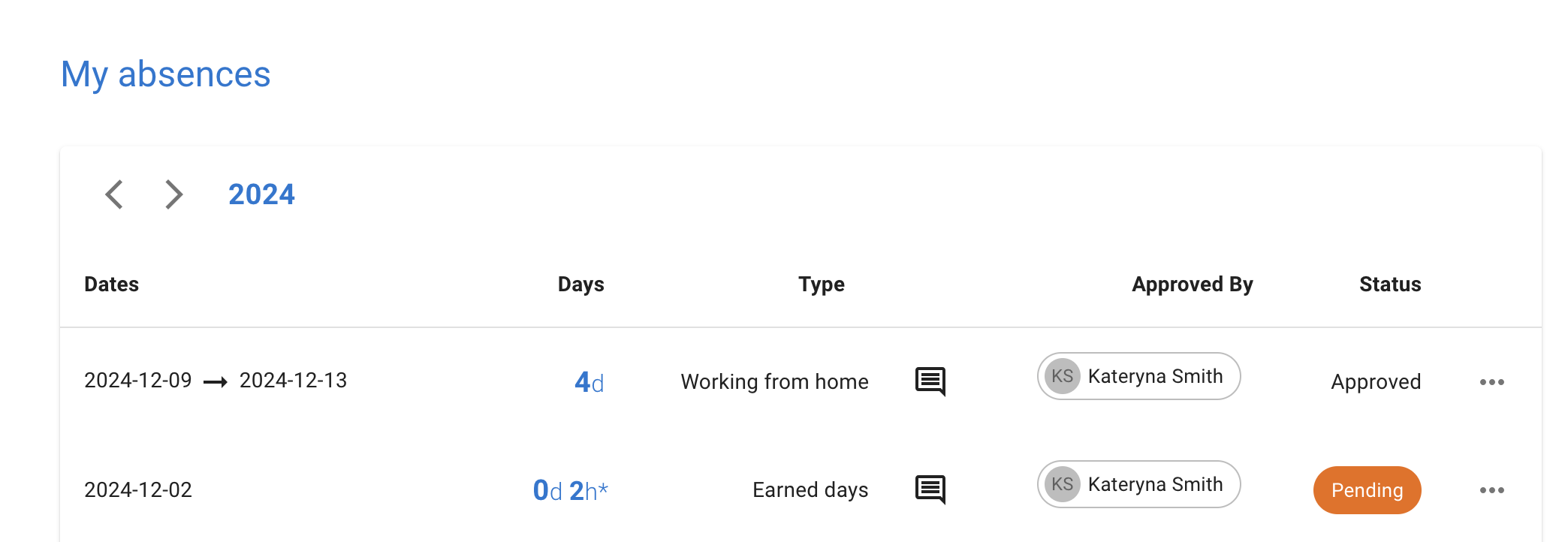
Employees can manage leave requests from My Calendar. Open the leave from Leave requests, Coming up or Calendar, and Leave details offers what you can do.
-
To cancel a pending request, press Cancel request.
-
To revoke an approved request, press Revoke leave. The manager will need to approve or decline the revocation. If you need to amend a leave, revoke or cancel it and create a new one.
You can also cancel or revoke leaves from mobile; the application is mobile‑friendly.